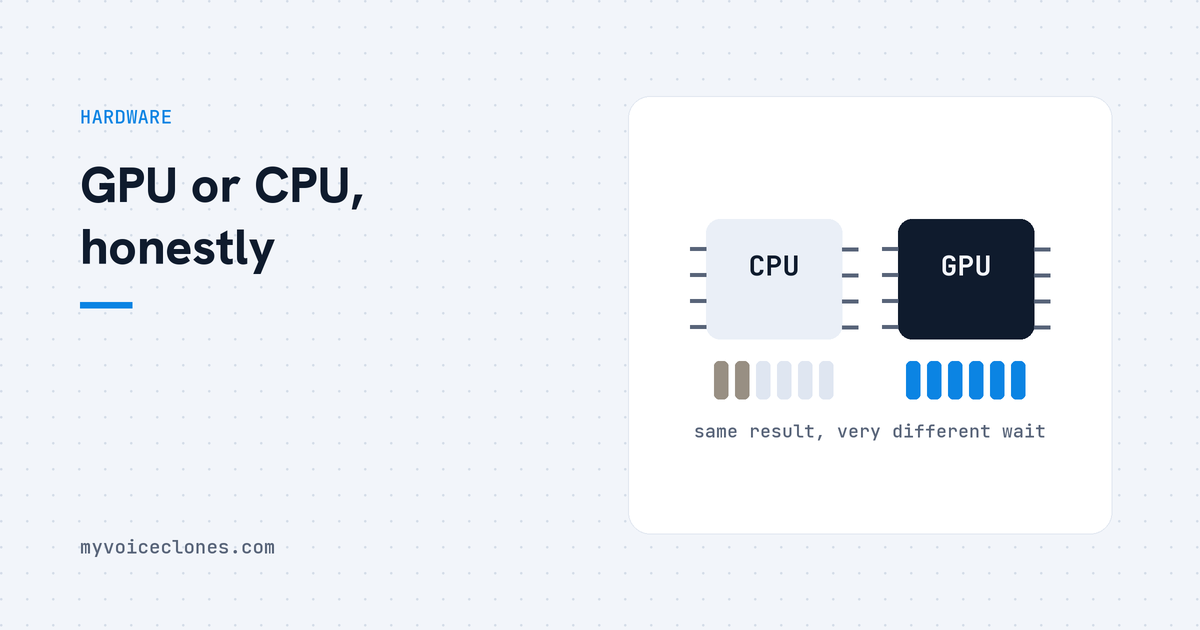
You do not need a GPU to clone a voice or to generate speech: both work on a normal CPU, at minutes per paragraph instead of seconds per line. Training a voice, where the model's own weights adjust to you, realistically needs an NVIDIA card, and 4 GB of VRAM is enough for it. On a small 4 GB laptop card a full training run took 145 minutes.
By Inam, who built VoiceClone and narrates his own videos with it. More of my engineering write ups live at designesh.com. Last updated 8 September 2026.
You want to hear your own voice cloned, you open a page about some voice tool, and somewhere in the requirements sits the word GPU. If your PC has no graphics card, or has one whose name you have never had a reason to learn, the honest question in your head is whether this whole thing is even for people like you.
So here is the answer before anything else. If you just want to clone your voice and make voiceovers with it, you do NOT need a graphics card. A normal PC does it, only slower. If you want to train the voice so it truly sounds like you, then yes, you need an NVIDIA card, and a small 4 GB one is enough.
The confusion happens because two different jobs get talked about as one. Cloning your voice and generating speech is the first job, training is the second, and only the second one is fussy about hardware.
The other thing worth saying early: my own tool was built and trained on a work laptop with a 4 GB NVIDIA card in it, the kind nobody brags about. Every hardware article about AI seems to come from someone with a gaming rig glowing under the desk, and people walk away believing this field belongs to that world.
What does a graphics card actually change?
A voice model is a huge pile of multiplication. A graphics card, the GPU, happens to be a machine built for doing thousands of multiplications at the same time, which is why AI work moved onto graphics cards in the first place. Your main processor, the CPU, can do the same sums perfectly correctly, it just does far fewer of them at once.
So the card does not change whether the model runs, and it does not change how good your voice sounds. It changes the waiting, and nothing else.
That is the sentence I wish someone had told me early, because it takes hardware out of the quality conversation completely. A clone made on a plain office PC and the same clone made on a fast card are the same clone.
How slow is voice cloning without a GPU?
On my NVIDIA card, generating one line of speech takes seconds, and narrating a whole video is a tea break. On a CPU only machine the same engine works, correctly and completely, but a paragraph takes minutes, so a long script becomes a start it and go do something else job.
Whether that is acceptable depends entirely on what you are doing. Hearing your clone for the first time, testing quality, making short clips for a reel, all completely fine on CPU. Narrating a ten minute video every single day, you will want the card, and you will want it within about a week.
VoiceClone tells you which mode it found before you generate anything, because I hate tools that let you discover the slow way that you were in the slow lane the whole time.
Why does training need an NVIDIA card when generating does not?
Training is where the model's own internal weights are adjusted to your voice, instead of the model imitating a clip you handed it. That is a far heavier piece of computing than generating a line, and the software that does it talks to the card through CUDA, which is NVIDIA's own programming layer for its GPUs. PyTorch, the framework almost all of this runs on, documents that path in its CUDA notes, and there is no AMD or Intel shortcut around it today.
This is the one hardware requirement I cannot soften for you. What I could do was keep it small.
The engine inside VoiceClone is GPT-SoVITS, chosen partly because 4 GB of VRAM runs everything, generation and full training both. Its project page describes the two modes plainly: zero shot from a few seconds of reference audio, and fine tuning on about a minute of training data. I have written up why I chose GPT-SoVITS over the bigger models separately, and this hardware floor was one of the three reasons. Plenty of the open source voice world assumes 8, 12 or 16 GB, and those models have their reasons, but runs on the card people already own was worth more to me than any benchmark.
How much VRAM do you actually need?
VRAM is the memory that sits on the graphics card itself, separate from your normal PC memory, and it is the entry ticket: it decides whether a model can load at all. The speed tier of the card only decides your patience level after that.
If you have any NVIDIA card from the last several years with 4 GB of VRAM or more, you are done, and you can skip the buying advice below. My laptop's little 4 GB card generates in seconds and finished a complete training run in 145 minutes. A normal desktop NVIDIA card does that same run in under an hour.
If you are actually buying something, a used NVIDIA card with 6 or 8 GB is the honest sweet spot for voice work: cheap, everywhere, and already more than this needs. Buying a 16 GB card only for voice cloning is paying for headroom no engine of this kind will ask for, so buy that if you also want image AI or games, not for me.
What about AMD, Intel, or no card at all?
The uncomfortable truth of AI tooling in 2026 is that it speaks NVIDIA's language first and everything else second. AMD and Intel cards are improving quickly in general AI support, but for voice cloning specifically, treat a non NVIDIA card as a fast CPU: generation works through the slow path, training is out of reach. I would love that sentence to age badly.
No dedicated card at all, a normal office machine, still runs the whole app in CPU mode. It asks for patience instead of hardware, which for a lot of people is the cheaper thing to give.
The one machine that genuinely struggles is a very old PC below 64 bit Windows 10, and at that point borrowing a friend's newer machine is a better first taste than buying anything.
What does each setup actually give you?
Same app, same voice quality, three different waiting times. This is the comparison I would give a friend on the phone.
- NVIDIA card, 4 GB or more. Generation in seconds per line, and full training available: under an hour on a normal desktop card, about 145 minutes on a small laptop card. Everything the tool can do is open to you.
- CPU only, no dedicated card. Cloning and generation both work, at minutes per paragraph instead of seconds per line. Training is not realistic. Fine for short clips and for hearing your own clone properly.
- AMD or Intel graphics. In practice the same as CPU only for voice work today, because the training stack is built on CUDA. Generation yes, training no.
- Where CPU is genuinely the right choice. If you narrate occasionally and value the silence of a fanless office machine, a card buys you time you were not going to spend anyway.
The honest summary is that hardware decides your speed and whether training is on the table. It never decides how much the clone sounds like you. That is decided by your recording, and I wrote a separate guide about getting that part right.
FAQ
Do you need a GPU for voice cloning?
No for cloning and generating speech, where a normal CPU works at minutes per paragraph instead of seconds per line. Yes, realistically, for training a voice. An NVIDIA card with only 4 GB of VRAM is enough for both in VoiceClone.
Can voice cloning run on a laptop?
Yes. My own setup is a work laptop with a small 4 GB NVIDIA card, and it generates in seconds and finished a complete training run in 145 minutes. Even with no NVIDIA card at all, cloning and generation still work in the slower CPU mode.
How much VRAM do I need for voice cloning?
4 GB covers everything in VoiceClone, generation and training both, and that was a deliberate choice when picking the engine. More VRAM adds comfort rather than capability here. Many raw open source voice models want considerably more, which is worth checking before you commit to one.
Does voice cloning work on AMD graphics cards?
Treat an AMD card as CPU mode for now: generation works slowly and training realistically needs NVIDIA, because the training stack is built on CUDA first. Support outside NVIDIA is improving across the industry, so this answer should get better with time.
How do you check what is in your PC before buying anything?
- Press the Windows key, type dxdiag, and press enter.
- Open the Display tab and read the name at the top. That is your card, and if it says NVIDIA, its VRAM is listed on the same tab.
- If you want to know whether that exact model supports CUDA, NVIDIA publishes the full list on its CUDA GPUs page.
Then get the free app, which clones and fully trains one voice, yours, and gives you 3 generations to check it, and look at the mode line it shows you. If it says GPU, you already own everything this field asks for. If it says CPU, generate one short clip, time it honestly against your own patience, and decide about a used 6 GB card with a real number in your hand instead of a spec sheet's opinion.
Hear your own voice come back.
The free Windows app clones and fully trains one voice, yours, on your own PC. No account, no upload, and the download starts right away.