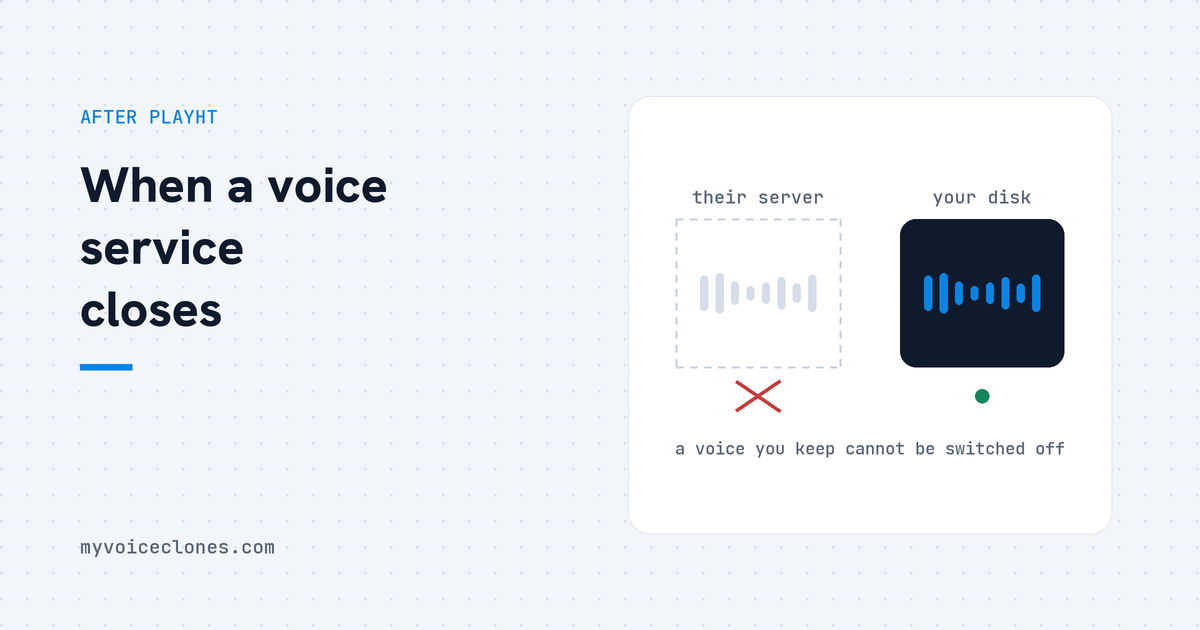
PlayHT was a cloud voice service, so every voice clone lived on its servers. The company retired its 1.0 voice model on 15 June 2025, Meta bought it in July 2025, and today play.ht no longer opens. A local tool like VoiceClone trains the voice on your own Windows PC and keeps it as files on your disk, so it does not depend on any company staying open.
| Question | Cloud voice services like PlayHT | Open source on your own PC | VoiceClone |
|---|---|---|---|
| Where the voice lives | On the company's servers | On your PC, inside a Python setup you maintain | On your PC, as model files in the app's own folder |
| When the old model is retired | PlayHT 1.0 voices stopped being usable on 15 June 2025 | Nothing changes unless you update it yourself | The files stay on your disk, no server can switch them off |
| When the company closes | play.ht and play.ai no longer open, checked 21 September 2026 | The code is public, so it stays usable | The app keeps running offline on your PC |
| Languages | More than 40, as PlayHT listed them | English, Japanese, Korean, Cantonese and Chinese in GPT-SoVITS | English only |
| Setup | None, it ran in a browser | Python, the right PyTorch and CUDA versions, and a command line | One start file, first run 10 to 30 minutes and about 1.3 GB |
By Inam, who built VoiceClone because he did not want his own voice living on somebody else's server. More of my engineering write ups live at designesh.com. Last updated 21 September 2026.
If you made a voice clone on PlayHT, you have probably already found out that it is gone. The website does not open any more, and neither does play.ai, the newer name the same company used. I checked both addresses on 21 September 2026 and neither one even finds a server.
The good news is that your voice was never really the clone. The clone was a copy PlayHT made from a recording you gave it, and that recording may still be sitting on your own computer or phone.
If you still have the audio you uploaded to PlayHT, you can build your voice again. Find that file first, before you sign up for anything else.
There is one more thing the migration guides mostly skip. PlayHT voice clones stopped working once before the company was even sold. In an end of life notice last updated in May 2025, PlayHT said it would retire its PlayHT 1.0 model on 15 June 2025, and that 1.0 voices would "no longer be usable across the platform". People could upgrade to the newer model, and on the same page PlayHT admitted the replacement might not suit every voice.
So a cloud clone can disappear in two ways. The company can close, or it can simply retire the model your voice was built on. PlayHT users got the retirement in June 2025 and the closure some time after Meta bought the company in July 2025. Many guides say the service closed on 31 December 2025, but I could not find PlayHT's own notice for that date, so I am only telling you what I checked myself.
Why did PlayHT voice clones stop working?
It helps to picture where a cloud voice actually lives. When you cloned your voice on PlayHT, your recording went up to their servers, their software turned it into a voice model, and that model stayed there. Every time you typed a line, your text went up and the finished audio came back down.
So what you had on your side was an account and a login, and nothing else. The voice itself was an entry on their machines, tied to one version of their model. When they retired that version, the voice stopped working, and when the servers went away, there was nothing left to download.
The company behind it changed hands in the middle of all this. TechCrunch reported on 13 July 2025 that Meta had bought Play AI and that the whole team was joining Meta. Meta's internal memo placed that work across its own road map, AI characters, Meta AI, wearables and audio content creation, and a public voice studio for the rest of us did not survive the move.
The obvious escape is to run an open source model yourself, on your own computer. GPT-SoVITS, the engine I chose for my own tool, is free, and its project page on GitHub shows what that takes: a matching set of Python, PyTorch and CUDA versions, which is the graphics card toolkit, and commands typed into a terminal. That solves the server problem, but it gives you a maintenance problem instead, and most people who just want their voice back do not want that job.
What makes a cloned voice last?
A voice clone lasts when the two things it is made of live with you and not with a company. The first is the source recording, the raw audio of you talking. Think of it as the master copy, because every future clone, in any tool, can be made again from it.
The second is the trained model. When a voice is trained, the software studies your recording and saves what it learned about how you sound as a file on the disk. If that file is yours, the voice works for as long as you keep the file, and nobody else has a switch for it.
There is a simple test for any tool, and I would run it on mine as well. Turn off the internet and try to generate one line. If it still speaks, you own the voice. If it does not, you are renting it.
How does VoiceClone keep a cloned voice on your PC?
VoiceClone is a Windows app, for Windows 10 and 11, and it runs the same GPT-SoVITS engine on your own computer without the Python setup. You give it a recording of your voice, it makes an instant clone, and the Make it perfect button trains a true copy of your voice on your own PC. On a normal NVIDIA graphics card that training takes under an hour.
The trained voice is saved as model files in the app's own folder on your disk. They are ordinary files, so they go into your normal backup the same way your photos do. Nothing is uploaded at any step, and after the one time setup, which downloads about 1.3 GB and takes 10 to 30 minutes on the first run, it works fully offline.
The price is a $49 one time license, and there is no subscription behind it. The free version lets you clone and fully train one voice, then generate 3 times to hear it, so you can judge the real result before you pay anything.
Now the honest part, because PlayHT did several things better, and some of them still matter. PlayHT's own homepage listed voices in more than 40 languages, it could voice a conversation between several speakers in one file, and it ran in a browser with no hardware at all. It also sold a low latency API, the kind a phone call agent needs.
VoiceClone speaks English only, it cannot sing, and without an NVIDIA card it still works but slowly. It is a Windows app for making narration, so if you ran a phone agent on PlayHT's API, a cloud API is still the better fit for you. Just keep your own recordings this time, so you can move again without losing anything.
How do you rebuild the voice you had on PlayHT?
These are the steps in order, and the first one decides how good the result will be.
- Find your original recording. Look in the folder you recorded in, in your phone's voice memos, in old email attachments and in your cloud drive. This is the file you uploaded to PlayHT, and it is worth more than anything PlayHT ever generated for you.
- Do not train on PlayHT's output if you can avoid it. A clone learns everything it hears, so a clone trained on audio PlayHT made learns PlayHT's version of you, with that model's small glitches, and then adds its own on top. Use it only as a last resort, and pick the cleanest lines if you have to.
- If there is no recording left, make a new one. One to three clean minutes are enough for an instant clone and training does better with 3 to 10, and I explain the method in how to record a voice sample that clones well and the honest numbers in how much audio you really need.
- Clone it and train it on your own PC. The whole process, from sample to trained voice, is in train a voice clone on your own PC.
- Back up both files. Keep the recording and the trained voice together on a second drive, and read how to save a voice forever if the voice belongs to someone you do not want to lose.
The people who still had their original recording lost a subscription when PlayHT went away, not a voice. That is the whole lesson, and it holds for every tool you move to next, mine included. If ElevenLabs is where you are heading, I wrote an honest ElevenLabs comparison as well.
FAQ
What happened to PlayHT?
Meta bought Play AI, the company behind PlayHT, in July 2025, and TechCrunch reported that the whole team was joining Meta. As of 21 September 2026 the play.ht and play.ai addresses no longer open, so the service and every voice stored on it are out of reach.
Can I download my PlayHT voice clone?
Not any more, because a PlayHT clone lived on PlayHT's servers and not on your computer. What you can still use is the original recording you uploaded to make it, and that is enough to build the voice again in another tool.
What is the best PlayHT alternative?
It depends on what you used PlayHT for. For English narration in your own voice, a local tool like VoiceClone keeps the voice on your PC for $49 once. For many languages or a phone agent API, a cloud service still fits better, as long as you keep your own recordings.
Can I train a new clone on audio PlayHT made for me?
It works, but it is the weakest source you have. A clone learns everything in the recording, including the old model's glitches, so your own original recording will always give you a closer voice.
Sources: PlayHT's end of life notice for PlayHT 1.0 (an archived copy of its help centre page), TechCrunch's report of 13 July 2025 on Meta buying Play AI, PlayHT's homepage as archived on 7 November 2025, and the GPT-SoVITS project page on GitHub. I checked the play.ht and play.ai addresses myself on 21 September 2026.
Hear your own voice come back.
The free Windows app clones and fully trains one voice, yours, on your own PC. No account, no upload, and the download starts right away.